Article | N31
A paper bid sheet needs the item ID, description, starting bid, bid increment, bidder rows, final winning bid and a clear close/void field.
The problem in practice
The paper sheet lacks an item ID or readable bid rows, so it cannot be matched back to the item table at closeout.
Short answer
The item number must match the catalog and the finance sheet. Leave enough bidder rows for the event, and make it obvious where the auction closes and who records the winner. Do not add rules the event has not approved.
How to judge and fix it
- Check item ID, description, starting bid and bidder rows against the item master.
- Print one sample and confirm the number matches before printing the set.
- Use only fields the paper workflow actually supports; a sheet is not tamper-proof.
A fictional example
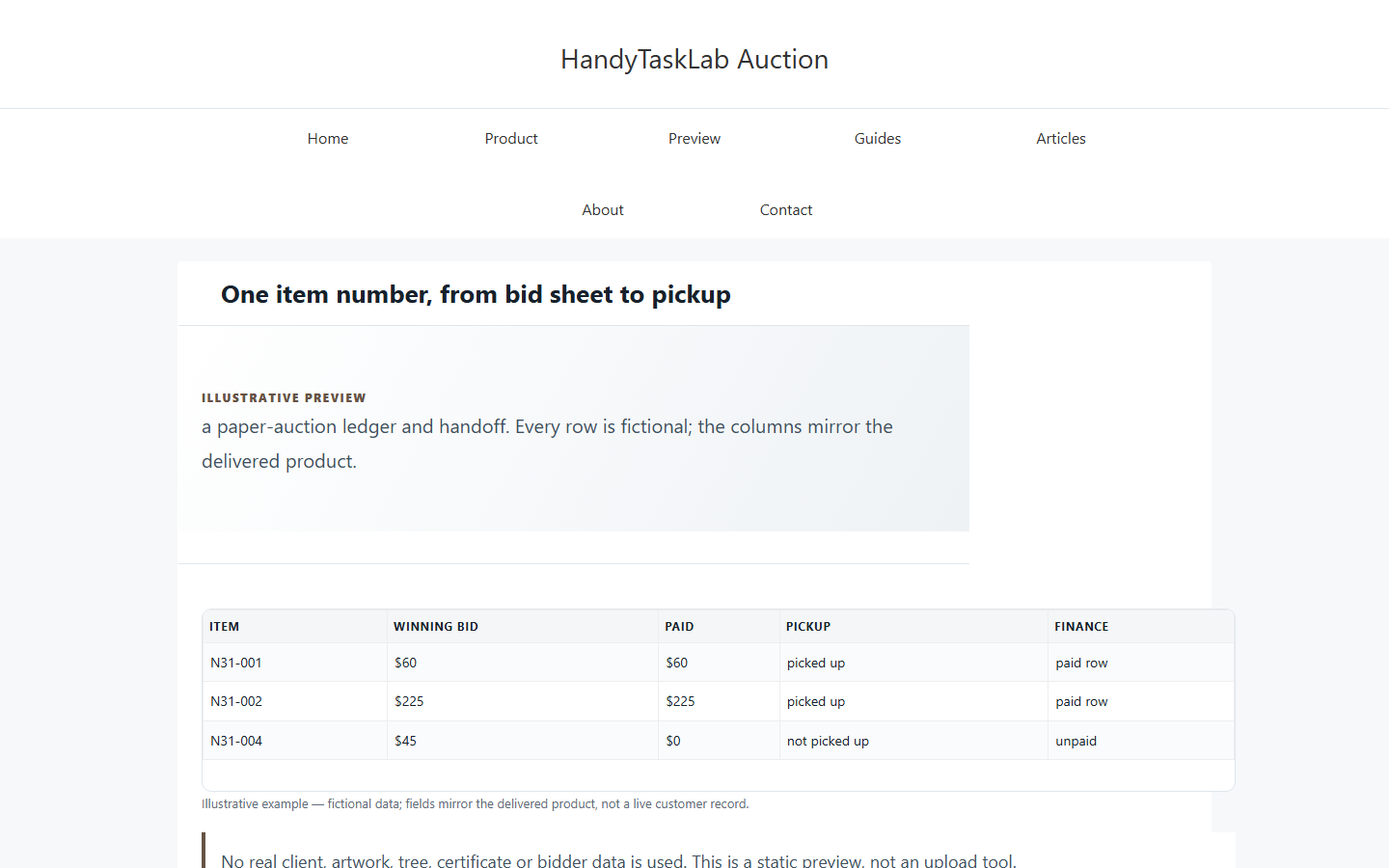
For fictional N31-001, print “Class Art Basket / N31-001 / starting $25 / increment $5”; after close, record the winning bid and initials. A paper sheet is not tamper-proof and is not an online bid record.
Where the template fits: Paper only; no online bidding/payment/tax receipt. The related product/service page shows the fields; the step-by-step guide covers the workflow. The product does not replace your judgment or source documents.
Comments